
Entering your license key
- Click Settings in the top bar, then License, then Manage License….
- Paste your license key.
- Click Activate.
If a license ever lapses, nothing you've recorded is deleted: Timecrumbs opens read-only, so you can still view, report on, and export everything.
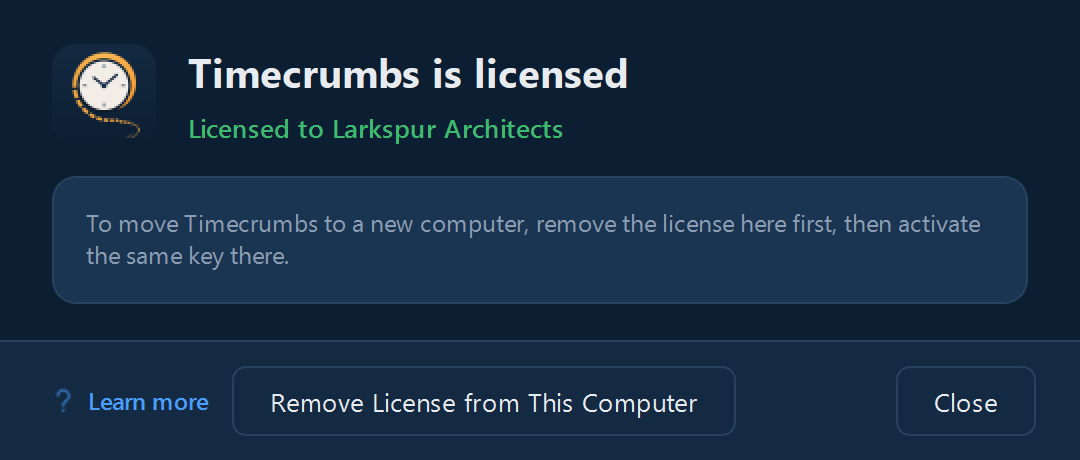
Moving your license to another computer
- On the old computer, open Settings, License, Manage License…, and click Remove License from This Computer.
- On the new computer, enter the same key.
Moving your data too? See Moving to a new computer.
Still stuck? Email [email protected] and a person will reply, usually within one business day.