
On the old computer
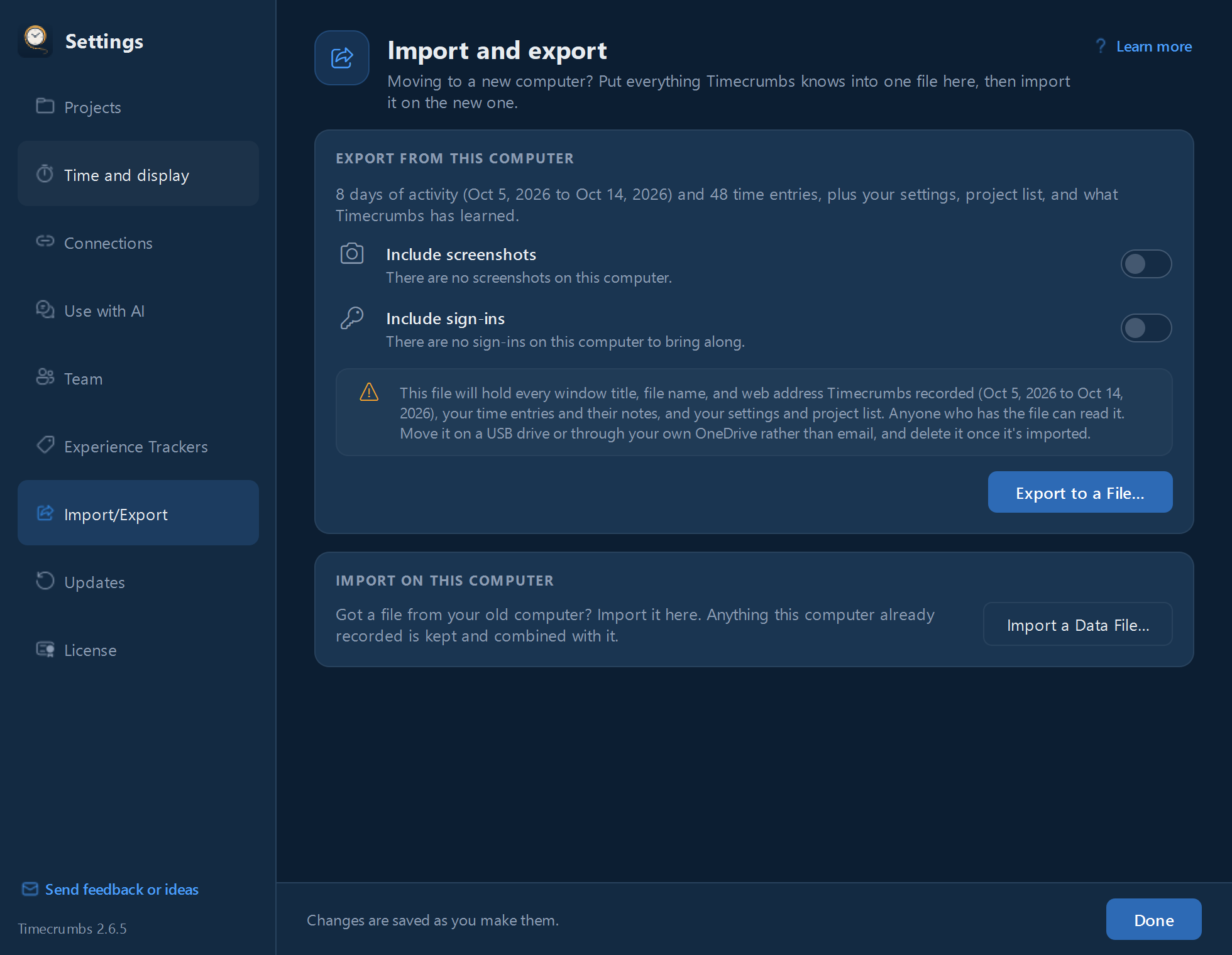
- Click Settings in the top bar, then Import/Export.
- Click Export to a File.
- Choose whether to include screenshots and your sign-ins. Sign-ins are locked with a password you choose.
- Save the file somewhere you can reach from the new computer, such as a USB drive or your own OneDrive.
On the new computer
- Install Timecrumbs.
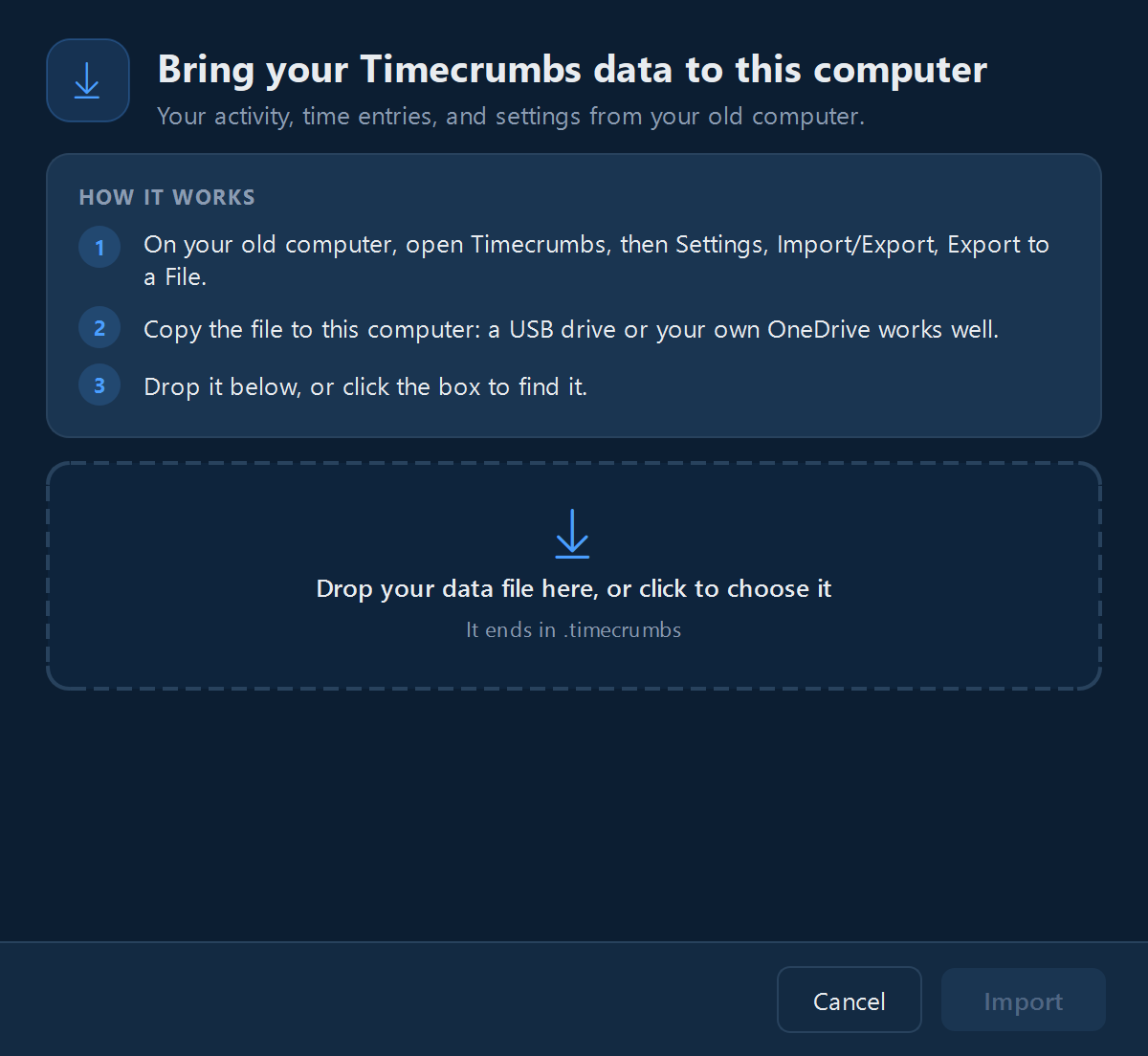
- On the welcome screen, click Import My Data. If you're past the welcome screen, use Settings, Import/Export, Import a Data File.
- Choose the file, and enter its password if you included sign-ins.
Timecrumbs keeps a copy of anything already on the new computer before it imports, and merges your days rather than replacing them.
The file holds your window titles and notes, so keep it private and delete it once it's imported. Your license key doesn't travel in it; see moving your license.
Still stuck? Email [email protected] and a person will reply, usually within one business day.